
ID scanner training remains a smart and high‐impact investment. It cuts legal risk, saves your license, and stops fake IDs at the door. Even advanced age-verification technology fails when staff misuse it. They must learn to use devices, read scans, and act fast. This guide shows you how to train your team. Good training boosts compliance, quickens lines, and helps your team catch fakes in real time.
Why ID Scanner Training Matters More Than Ever
Laws tighten around age-restricted sales and entry. Alcohol, tobacco, cannabis, gambling, and adult venues now face stricter rules. Fake IDs improve too. Regulators and law enforcement now demand strong verification and proof of training.
Effective ID scanner training does much. It
• Cuts the risk of selling to minors or letting in underage guests
• Guards your liquor, gaming, or business license
• Speeds up lines and checkout
• Builds staff confidence when facing tough customers
• Creates clear records for audits and investigations
Technology alone cannot help. Staff must know why each step matters to meet compliance and security.
Core Goals of Effective ID Scanner Training
Before you design training, state clear goals for every team member. Good ID scanner training builds these skills:
-
Operate the hardware and software correctly
• Turn on and log in properly
• Scan barcodes, stripes, or chips with care
• Fix common errors or timeouts -
Interpret scan results with confidence
• Read age and expiration quickly
• Notice warning signs of fake or altered IDs
• Act when the scanner does not read the ID -
Spot fake IDs that pass a basic scan
• Check the scanner output and look at the ID
• Watch for odd behavior and red flags
• Escalate problems when in doubt -
Follow legal and policy rules
• Know the laws in your area
• Use your company’s refusal and report rules
• Respect privacy and data rules -
Act professionally under pressure
• Calm conflicts
• Protect staff and customers
• Record incidents clearly and reliably
When you train for these outcomes, your program stays practical, measurable, and repeatable.
Key Components of a Strong ID Scanner Training Program
A strong training program need not be complex. It must be consistent. You can split training into four simple parts:
1. Device Basics and Daily Setup
Begin with the basics so no one feels lost.
• Hardware overview: Show where the scanner reads barcodes, stripes, and security marks. Compare handheld and fixed units if both are used.
• Power and connectivity: Explain how to charge, dock, and reconnect to Wi-Fi or Bluetooth.
• Login and user roles: Train staff to log in with their own credentials.
• Calibration and cleaning: Stress the need to clean lenses and check for damage.
Practice matters. Let staff follow the full start-of-shift routine.
2. Correct Scanning Techniques
Poor scanning slows work and brings false negatives. Training should cover:
• How to hold and position IDs: Use the right angle, distance, and orientation for the device.
• Different document types: Cover state IDs, passports, military IDs, international licenses, and phone-based digital IDs.
• Handling worn or damaged IDs: Teach when to try manual entry and when to refuse.
• Speed versus accuracy: Remind staff that one extra second saves repeated mistakes.
Show real scenarios like busy bar nights or dispensary rushes.
3. Reading and Responding to Results
Staff should look at the screen and know their next move. Scanner screens often show:
• Age results: “Under 21”, “21+”, or “Not of legal age”
• Expiration: “Expired ID” or “Valid ID”
• Flags: “Not recognized”, “Tampered”, or “Suspected fake”
Follow a simple decision tree.
– If the ID is underage or expired, staff must refuse entry or sale.
– If the ID seems fake or unreadable, they must call a manager or use secondary checks.
– If the ID is clear, they allow entry while staying alert.
Record any “suspected fake” as required.
4. Visual and Behavioral Checks Beyond the Scanner
Scanners are one part of a strong check. Training must also cover:
• Matching the photo with the person’s look: Hair, eyes, height, and build are clues.
• Security features: Holograms, UV marks, tactile text, and microprint help spot fakes.
• Signs of tampering:
– Odd lamination or bubbling
– Misaligned fonts or spacing
– Off background colors
– Scratches or edits near birth dates or photos
• Behavioral cues:
– Nervousness or avoiding eye contact
– Friends offering extra help
– Inconsistent birth date answers
Train staff to first use the scanner, then check visually when something seems off.
Legal and Compliance Fundamentals to Include in Training
Rules differ by region, but training should link to your laws. Cover at least these points:
• Legal age limits: Alcohol, tobacco, cannabis, lottery, or gaming rules may vary.
• Acceptable ID types: State IDs, passports, tribal IDs, military IDs, and digital wallets count.
• Duty of care: Use approved scanners and keep logs to show due diligence.
• Record-keeping: Explain how long to store data, who sees it, and what to do for an audit.
• Privacy rules: Many places limit artist storage of full ID images or extra personal data.
Link each law to what staff do daily. This makes abstract law into clear steps.
Building a Step-by-Step ID Scanner Training Plan
A good plan helps repeat training with each hire and refresh periodically.
Step 1: Short Policy and Law Overview
Start with a 15–20 minute session on:
• Why age verification matters
• Risks like fines, license loss, or closure
• Regulator expectations
• Your “no exceptions” rules
Keep it focused to avoid overload.
Step 2: Live Demonstration of the ID Scanner
An experienced trainer should show how to:
• Power on and log in
• Scan a variety of real or mock IDs
• Identify examples of:
– Valid adult ID
– Underage ID
– Expired ID
– Damaged or unreadable ID
Narrate every decision for clarity.
Step 3: Hands-On Practice with Coaching
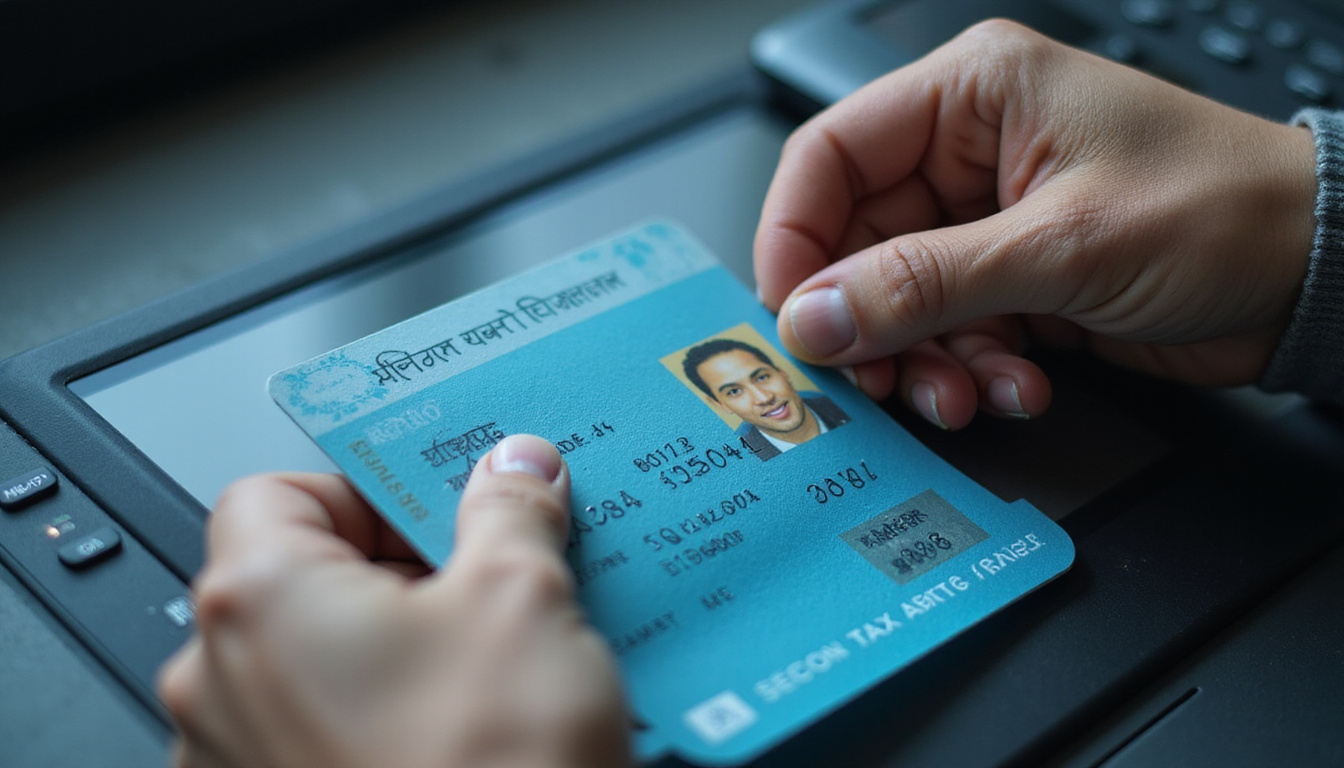
This is the core of effective training. Have each trainee:
• Practice scanning multiple IDs
• Role-play refusing entry or sale in a calm way
• Handle “difficult customer” scenarios
Fix technique and language live. Let trainees repeat until they gain confidence.
Step 4: Simple Knowledge Check
Use a brief quiz or checklist to check that staff know:
• How to use the scanner
• What each on-screen message means
• When to refuse an ID
• Who to call when unsure
Keep records of training completion and scores for audits.
Step 5: On-the-Job Shadowing
Pair new staff with experienced colleagues during busy times:
• Let them watch first
• Then let them scan under supervision
• Offer feedback afterward
This shadowing turns classroom lessons into real habits.
Best Practices to Make ID Scanner Training Stick
Once you start training, these tips boost impact.
Keep Training Short, Focused, and Frequent
Instead of one long session, use:
• An initial 60–90 minute block
• Brief 10–15 minute refreshers every few months
• Quick “micro-training” sessions when rules change
Repetition builds skill and lowers errors.
Standardize Your Procedures
Use simple guides:
• Laminated cards with step-by-step instructions near scanners
• Posters for acceptable and unacceptable IDs in staff areas
• A refusal script that everyone uses
Consistency aids staff and minimizes mistakes.
Train for Peak-Stress Scenarios
Stress brings out habits. Include training for:
• A crowded bar near last call
• A regular with an expired ID
• A group pressuring staff to “let someone in”
Teach staff to slow down and scan properly even when rushed.
Involve Management and Security
Managers and security must support staff by:
• Following the same procedures
• Backing up staff when refusing IDs
• Handling escalations and conflicts
Visible support stops staff from bending the rules under stress.
Common Mistakes in ID Scanner Training (and How to Fix Them)
Many fall into common traps. Here are mistakes and fixes:
-
Relying only on on-the-job training
– Fix: Use a formal introductory session and checklist. -
Teaching only the technology and not the law
– Fix: Always tie scanner use to legal reasons. -
Ignoring fake IDs that pass scans
– Fix: Show that scanners are a tool, not a foolproof answer. Also use visual checks. -
Not having a clear escalation policy
– Fix: Define who to call, what to say, and when to act. -
One-and-done training
– Fix: Plan regular refreshers, especially with software or rule updates.
How to Measure the Success of Your ID Scanner Training
The goal is fewer violations and better safety. Track these leading signs:
• Refused IDs per week or month
• Unreadable or unrecognized ID incidents
• Audit results or mystery shopper scores
• Average time per scan during busy hours
• Staff reports of scanner confidence
If refusal rates drop too low compared to past data or local reports, staff may be under-enforcing. If rates are very high, check for misconfigured scanners or over-cautious staff. Use these signs to improve your training.
Quick Checklist: What Every Employee Should Know
After training, every staff member who checks IDs should be able to:
• Power on, log in, and set up the ID scanner
• Scan both physical and digital IDs correctly
• Recognize on-screen messages for age, expiration, or suspicion
• Do a quick visual and behavioral check after scanning
• Politely refuse entry or sale when needed
• Escalate issues to a manager or security
• Follow the company rules on privacy and data storage
If someone cannot do these without help, they need more practice or better guidance.
FAQ: ID Scanner Training, Fake IDs, and Compliance
Q1: How often should we provide ID scanner training for bar or nightclub staff?
A1: Provide full training to every new hire before they work alone, and offer refreshers every 6–12 months. Increase training after law changes, software upgrades, or compliance issues.
Q2: Can ID scanner training really help stop sophisticated fake IDs?
A2: Yes. When technology use pairs with visual and behavioral checks, staff can catch issues that devices alone may miss. Modern scanners flag data problems, and trained staff spot physical inconsistencies.
Q3: What should age verification and ID scanner training for retailers include?
A3: Retail training should cover accepted ID types, fast scanning during checkouts, reading pass/fail age results, handling expired or unreadable IDs, using a standard refusal script, and documenting incidents per company and legal rules.
Well-designed ID scanner training turns your devices into a powerful shield against fines, license loss, and damage to your reputation. Clear steps, hands-on practice, and regular refreshers give your team the skill and confidence to meet compliance and catch fake IDs—shift after shift.